Connect Webull once. Every option fill syncs nightly, pairs into trades, gets a discipline grade and lands in a journal built for the OnePunch method.
Brokers → Connect Webull. You authorize a secure read-only connection; the Dojo never sees your password and can only read fills.
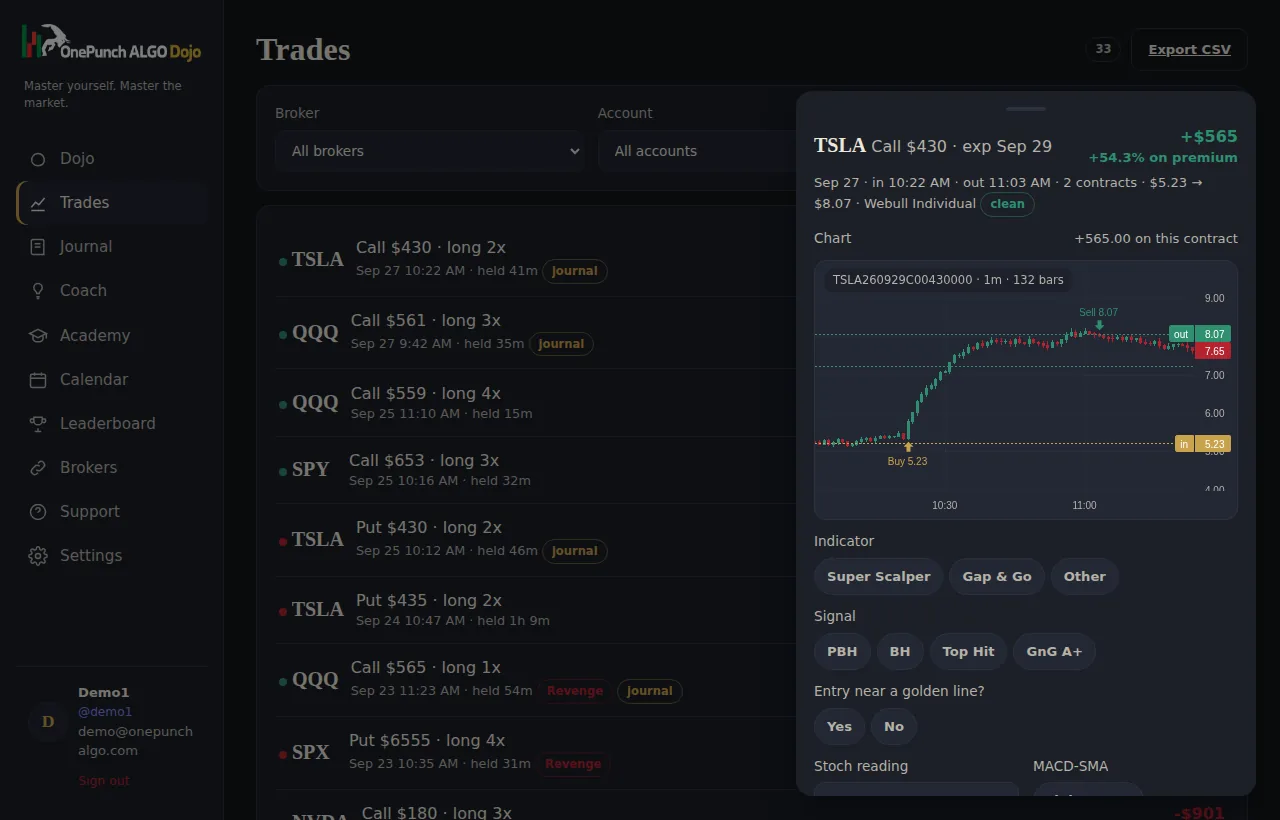
The first sync pulls the option fills Webull exposes and pairs them into trades with premium, percent return and hold time. Nightly after that.
Tag each trade the OnePunch way, sign your rule contract, and every Webull session gets a discipline score, a belt and a coach review.
Connect Robinhood, Webull, Schwab, tastytrade, E*Trade or Fidelity once (Interactive Brokers coming soon). Every fill arrives on its own each night, gets paired into trades with entry, exit, hold time and P&L, and is ready to review before the next open. Sub-accounts can be tracked or ignored individually.
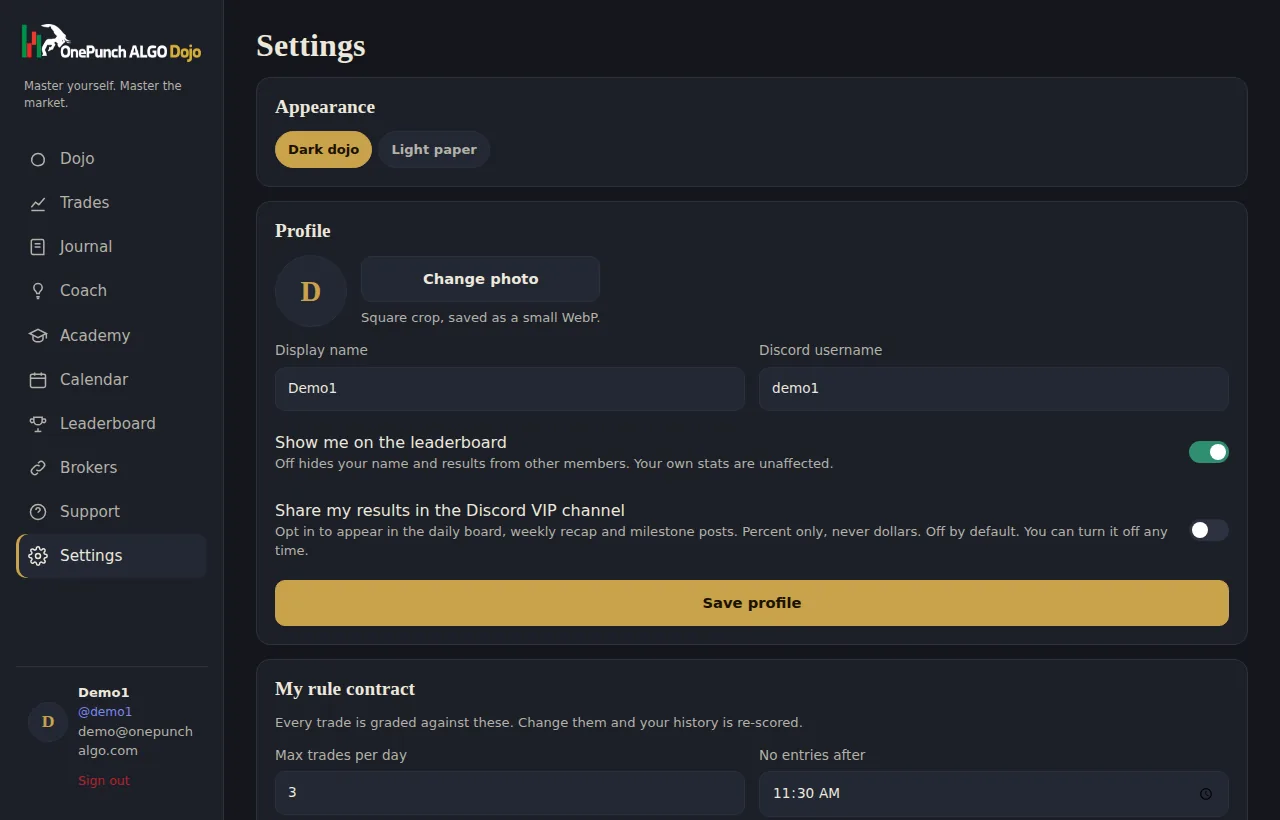
You sign a rule contract: max trades a day, a cutoff time, a size limit, a wait after a loss. Every session is graded against it from 0 to 100. Belts move on process, from Recruit to Grandmaster. Nobody earns a belt by getting lucky.
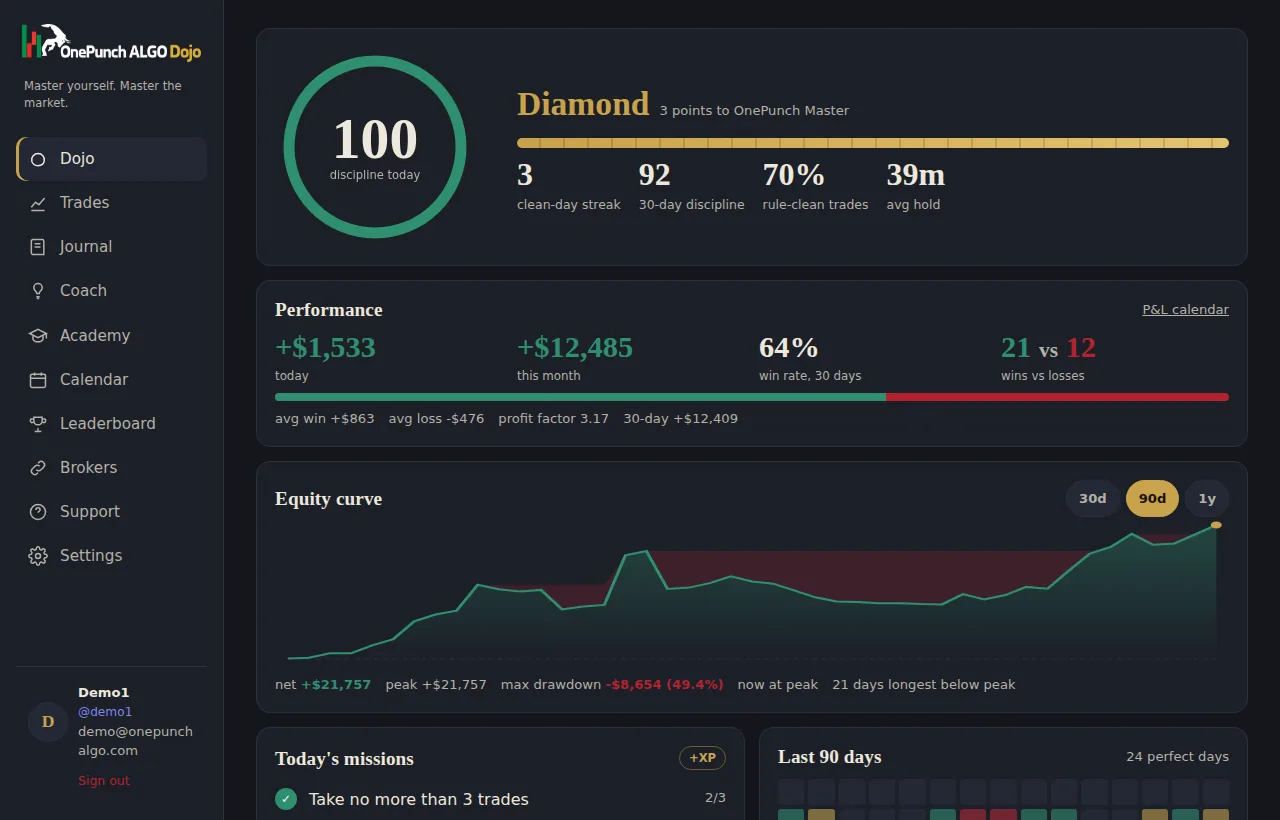
Tag each trade with the indicator that fired, the signal you took, whether the entry was near a golden line, the stochastic reading, the MACD-SMA state, your emotion and a setup grade. Paste up to three screenshots. Five minutes a day.
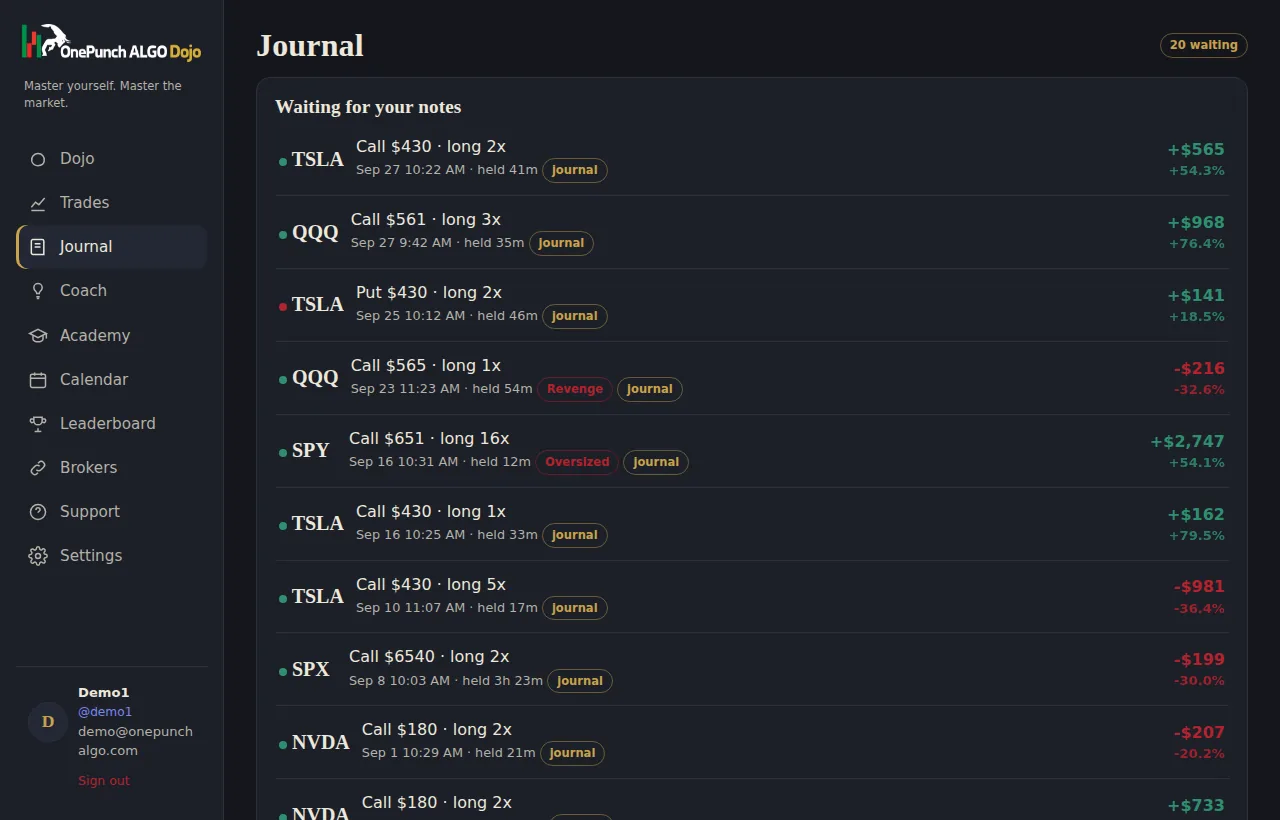
A behavioural review of your last 7, 30 or 90 days: what is working, what is hurting, the one rule to focus on, with the numbers that prove it. Then ask it up to ten questions a day about your own trading. It answers from your data and never calls trades.
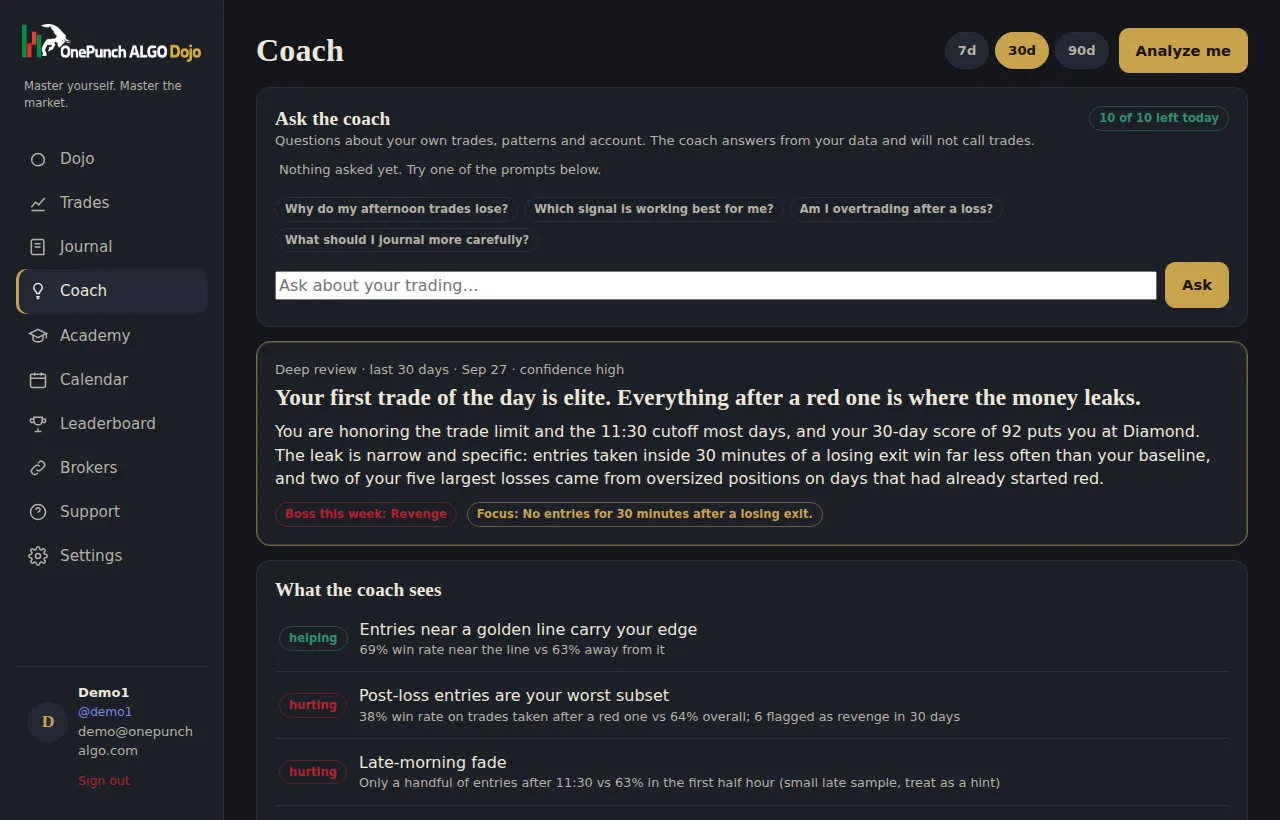
Open any trade and see the minute candles of the exact contract you traded, with your buy and sell marked on the chart. Charts run on a free market data key that is yours, so your data stays licensed to you. Two minutes to set up, no card, no data fees.
Export every closed trade with its journal labels to CSV for Excel or Sheets. Install the Dojo on your phone as an app. Delete your data whenever you like.
Webull attracts traders who like to be hands on: extended hours, detailed charts, level two quotes and a paper trading mode for practice. That toolkit is excellent for placing trades. It says very little about the person placing them. The order history shows what filled and when, but it cannot tell you that your afternoon entries lose, that your size creeps up on Fridays, or that you abandon your plan after the first red trade of the day.
A Webull trade journal fills that gap. It reads the same fills and turns them into a record of your decisions: which setup you took, how long you held, whether you broke one of your own rules, and what it cost when you did. The point is not more data. The point is fewer repeated mistakes.
Many people learn on the Webull paper account first, then switch to live trading and discover that their results change. Nerves, size and speed all behave differently once real money is on the line. Keeping a Webull options journal from the first live week captures exactly that transition while it is happening, instead of relying on memory weeks later.
The Dojo makes the first live month easier to read. Every session is scored against the rule contract you wrote while you were calm: maximum trades, a cutoff time, a size limit and a pause after a loss. When the score drops, you can see which rule slipped and on which trade, which is far more useful than a vague sense that the week went badly.
Setting up the Webull trade journal is a single step. You approve a secure, read-only connection on a verified page, and the Dojo never sees your login. It cannot place orders or move money. Option fills arrive automatically, and partial fills are grouped so a position built in three pieces still reads as one trade with an average entry, exit, hold time and percent return on premium.
A full sync runs every night, and Sync now after the close brings the session in sooner, so your Webull options journal is current by the next open. If you prefer to write things down while they are fresh, Quick log records a trade in a few seconds; the official broker record replaces it later without creating a duplicate, and your notes stay attached.
Webull Canada accounts connect the same way as US accounts, through their own read-only link on the Brokers page.
Each trade gets automatic market context from the underlying chart: where price sat against VWAP and its bands, the 9 and 20 SMA, the stochastic and MACD readings, and which OnePunch trading wave the entry fell in. You never type any of that. What you add takes about thirty seconds per position: the indicator and signal you used, whether the entry sat near a golden line, your emotion and a grade.
Together those two layers let the coach answer real questions. Does waiting for a retest beat entering on the first close through a level? Are your Wave 2 trades worth taking at all? Which signal pays you and which one only feels good? Those answers come from your own history, with the trade counts shown so you can judge the sample.
Most traders who keep a journal for Webull find one or two patterns in the first month that are worth far more than the subscription: an hour of the day to stop trading, a contract type to avoid, a rule that quietly gets broken every Thursday. Fixing a single leak like that usually covers the cost many times over.
Just as important, the Dojo rewards the right behaviour. Belts and streaks move on discipline, not profit, so a careful red day still counts as progress and a lucky green day that broke three rules does not. Over time that changes what you are trying to achieve each session, which is the real purpose of any Webull trade journal, and the reason a journal for Webull beats a spreadsheet.
The connection reads live brokerage accounts. Paper trades can be brought in with a CSV export if you want to review practice sessions alongside real ones.
The first sync pulls the history your broker makes available, usually several months. Market context is then calculated for all of it automatically in the background.
No. You approve access on a secure page and the connection is read-only. It cannot trade, withdraw or change anything in your account, and you can revoke it whenever you like.
Yes. Webull Canada has its own read-only connection on the Brokers page and syncs the same way.
Dojo Access is $19 a month with every feature included and no data fees. You can cancel at any time.
$19 a month. Sync your broker tonight, meet your coach tomorrow morning.
Subscribe for $19/month See the live demo