Connect Fidelity once with a read-only link. Fills sync nightly, pair into trades, get a discipline grade and land in the OnePunch journal.
Brokers → Connect Fidelity. You authorize a secure read-only connection; the Dojo never sees your password and can only read fills.
The first sync pulls the option fills Fidelity exposes and pairs them into trades with premium, percent return and hold time. Nightly after that.
Tag each trade the OnePunch way, sign your rule contract, and every Fidelity session gets a discipline score, a belt and a coach review.
Connect Robinhood, Webull, Schwab, tastytrade, E*Trade or Fidelity once (Interactive Brokers coming soon). Every fill arrives on its own each night, gets paired into trades with entry, exit, hold time and P&L, and is ready to review before the next open. Sub-accounts can be tracked or ignored individually.
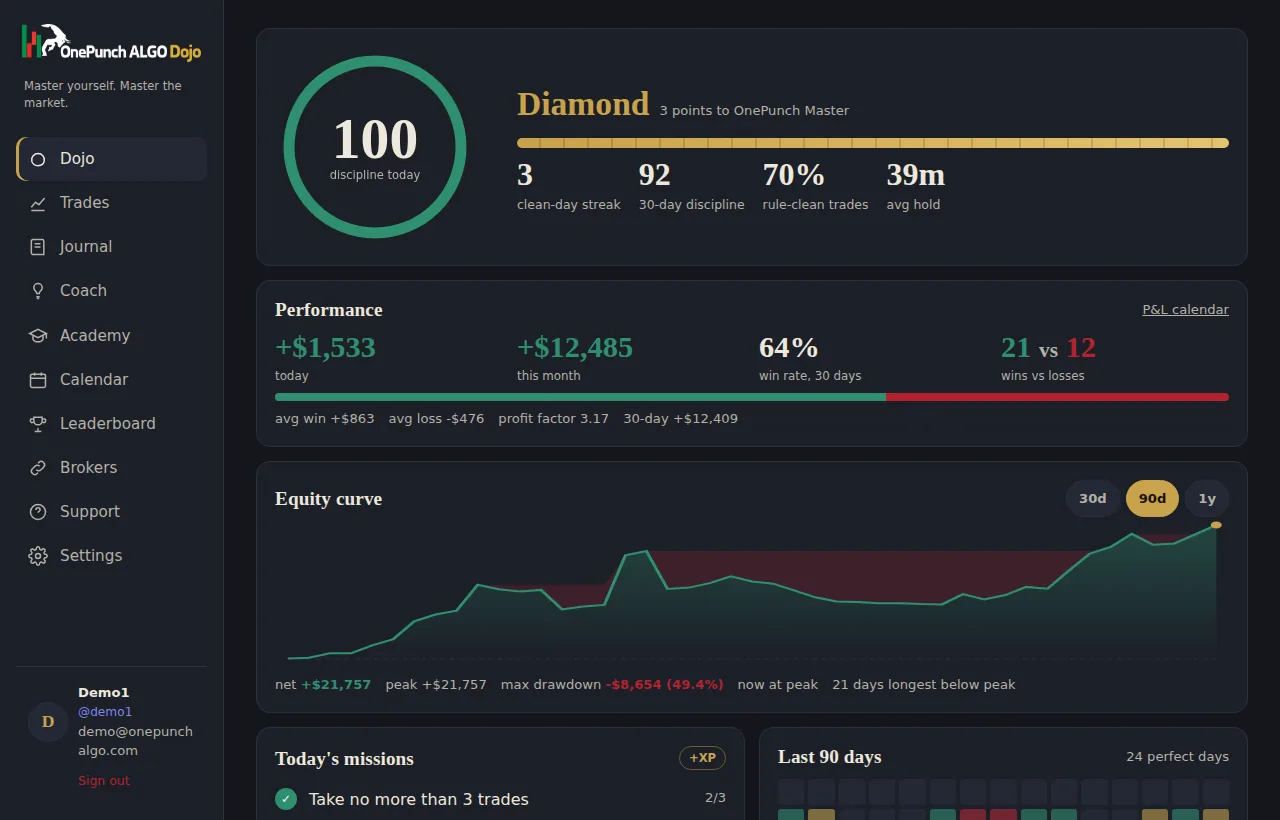
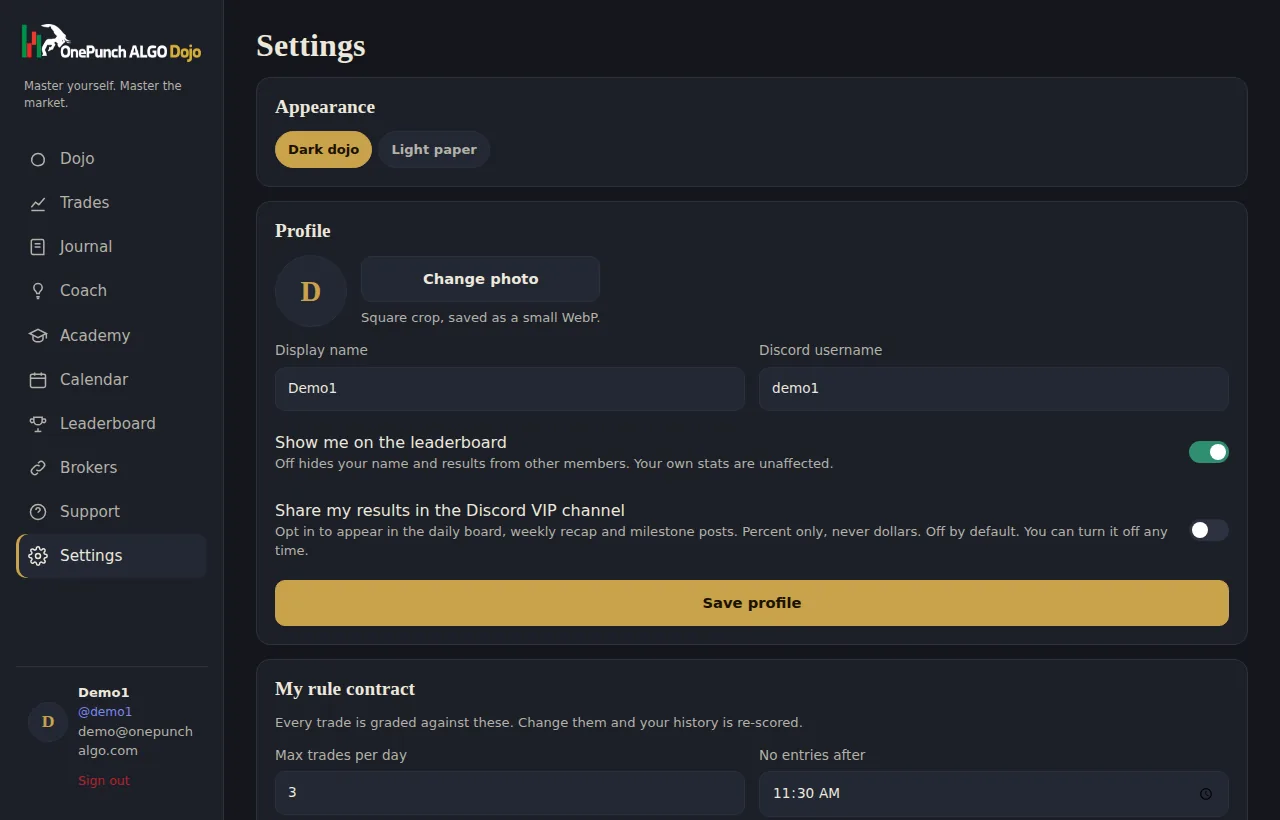
You sign a rule contract: max trades a day, a cutoff time, a size limit, a wait after a loss. Every session is graded against it from 0 to 100. Belts move on process, from Recruit to Grandmaster. Nobody earns a belt by getting lucky.
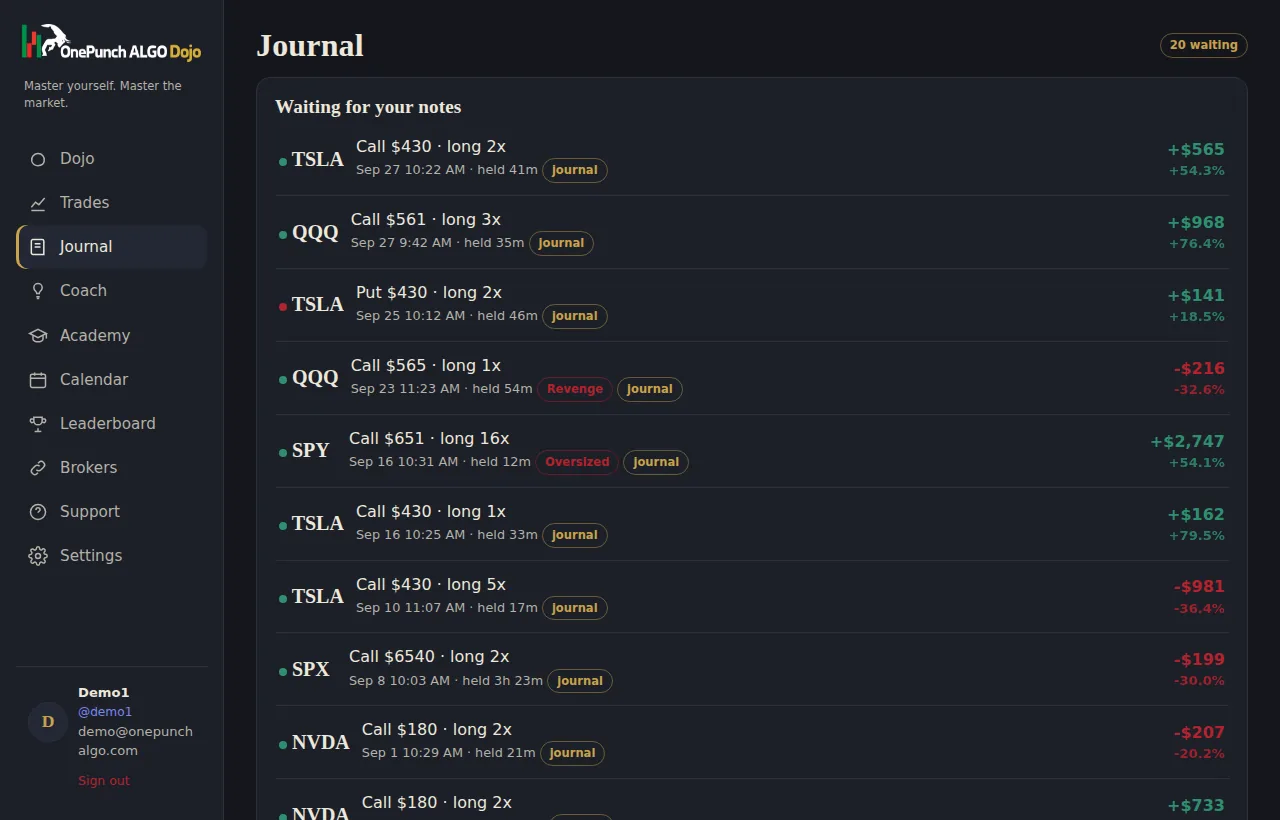
Tag each trade with the indicator that fired, the signal you took, whether the entry was near a golden line, the stochastic reading, the MACD-SMA state, your emotion and a setup grade. Paste up to three screenshots. Five minutes a day.
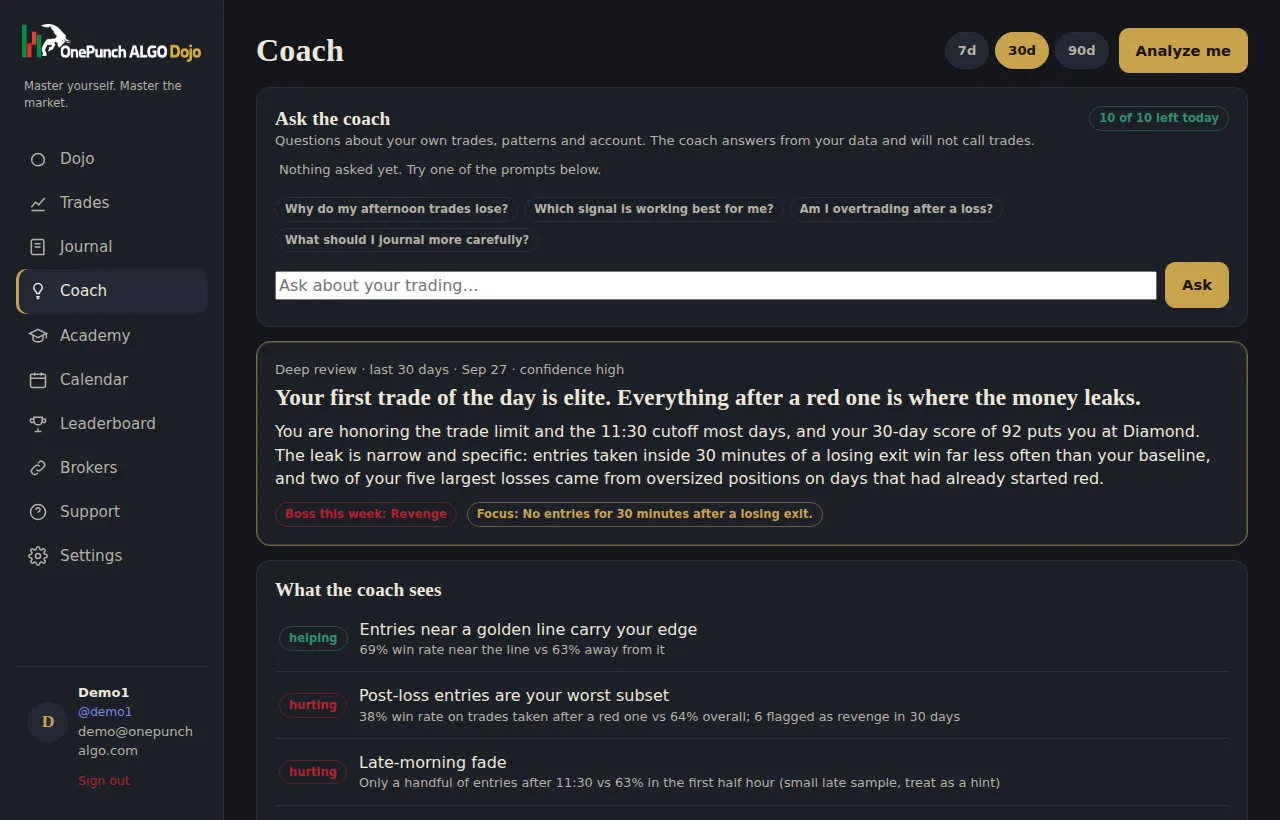
A behavioural review of your last 7, 30 or 90 days: what is working, what is hurting, the one rule to focus on, with the numbers that prove it. Then ask it up to ten questions a day about your own trading. It answers from your data and never calls trades.
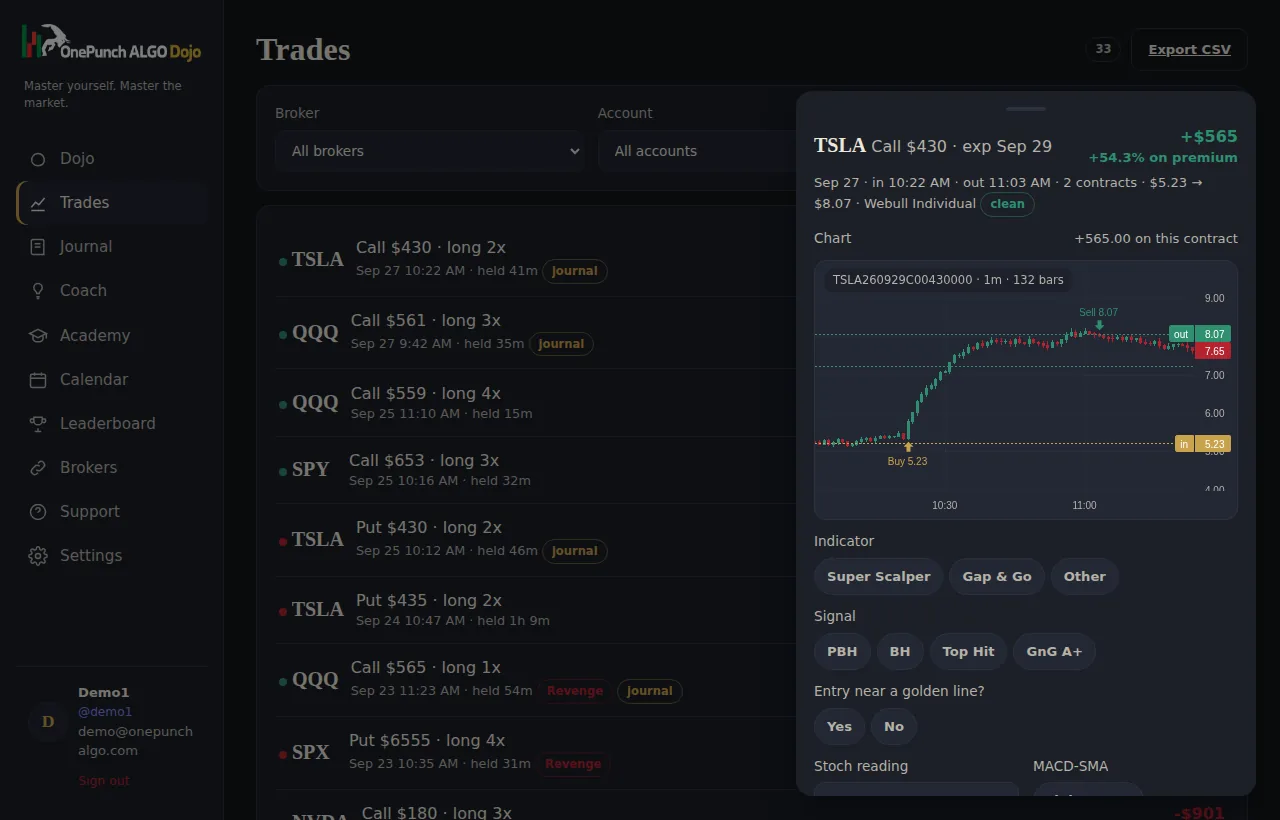
Open any trade and see the minute candles of the exact contract you traded, with your buy and sell marked on the chart. Charts run on a free market data key that is yours, so your data stays licensed to you. Two minutes to set up, no card, no data fees.
Export every closed trade with its journal labels to CSV for Excel or Sheets. Install the Dojo on your phone as an app. Delete your data whenever you like.
Fidelity is known first as a home for long-term investing, retirement accounts and research. Many traders keep an active account there too, often using Active Trader Pro for faster order entry, streaming quotes and option chains. It is a capable setup for placing trades, but the account history reads like a ledger, not a coaching tool.
A Fidelity trade journal translates that ledger into lessons. It pairs fills into positions, scores each session against the rules you set, and shows the patterns behind your results, so active trading gets the same discipline you probably already apply to investing.
Many Fidelity customers hold several accounts, for example a brokerage account for trading and retirement accounts for the long run. The Fidelity trade journal lets you track only the accounts you choose. Switch the trading account on and leave the others off, and your statistics, discipline score and coach reviews reflect trading decisions alone.
The connection is read-only and approved on a secure page. The Dojo never sees your password and cannot place orders or move funds.
Once connected, Fidelity options fills sync automatically and are grouped into complete positions with average entry and exit, hold time and percent return on premium. A nightly sync brings in each session, Sync now after the close pulls it in sooner, and Quick log records a trade the moment you exit, later replaced by the official record with your notes kept.
Every position is enriched automatically with market context from the underlying chart: VWAP distance and bands, the 9 and 20 SMA, stochastic and MACD, the entry type relative to those levels, and the OnePunch trading wave. You only add the indicator, signal, golden-line note, emotion and grade.
The trading platform is built for speed and information. A Fidelity trade journal complements it with reflection. The rule contract caps trades, sets a cutoff time and size limit, and enforces a pause after a loss. Each day earns a discipline score, and belts and streaks follow that score rather than profit.
Today's plan asks for your market read, limits and chosen setups before the open and locks once you trade. The AI coach then reviews your behaviour, answers questions about your own numbers and flags small samples honestly. It never tells you what to buy or sell.
The traders who improve fastest are rarely the ones with the most indicators. They are the ones who review consistently. Five minutes after the close, tagging each position and glancing at the score, compounds into a clear picture of your strengths within a few weeks.
Add a P&L calendar with economic releases, charts of each contract with entry and exit drawn in, Academy certifications and a weekly recap by email, and your Fidelity trade journal becomes a full review system that sits alongside the broker you already trust with your long-term money.
Yes. Each account can be switched on or off. Only tracked accounts count toward stats, scores and the coach.
Yes. Orders from the desktop platform, the website and the app settle in the same account, which is what the connection reads.
No. Access is approved on a secure page and is read-only. It cannot trade or withdraw.
The first sync pulls what your broker makes available, usually several months; older trades can be added by CSV.
Dojo Access is $19 a month with every feature included.
$19 a month. Sync your broker tonight, meet your coach tomorrow morning.
Subscribe for $19/month See the live demo