How the Dojo connects to Robinhood, Webull, Schwab, tastytrade, E*Trade, Fidelity and Webull Canada, what it can and cannot see, and when trades arrive.
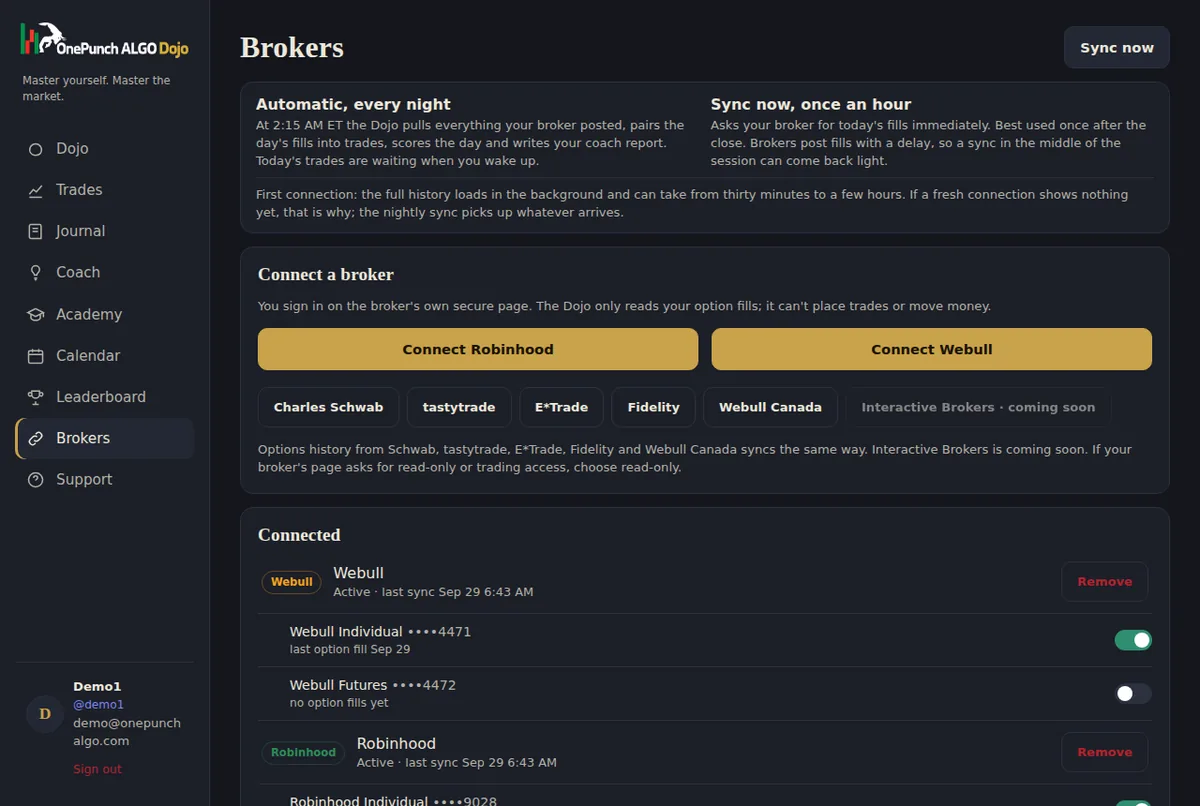
Screenshot from the Dojo demo, with demo data.
You connect a broker once and the Dojo pulls your option fills automatically. Fills are paired into trades with entry, exit, contracts, premium, percent return and hold time, ready for review.
You sign in on your broker's own secure page. The Dojo never sees or stores your broker password, and the connection can only read history. It cannot place, change or cancel orders, and it cannot move money.
A full sync runs every night, so the day's trades are waiting for you in the morning. After the close you can press Sync now to pull the day's executions sooner. Each account shows how far its history has been loaded, so you always know whether the latest fills are in.
If you have several accounts, switch each one on or off. Only tracked accounts feed your stats, your discipline score and the leaderboard.
Log a trade by hand in seconds so you can journal it while it is fresh. The official broker record replaces it later with no duplicates.
Tag each trade with the indicator, the signal, the golden line, your read of momentum, your emotion and a grade, plus your own tags and screenshots.
$19 a month. Sync your broker tonight, meet your coach tomorrow morning.
Subscribe for $19/month See the live demo